What it is
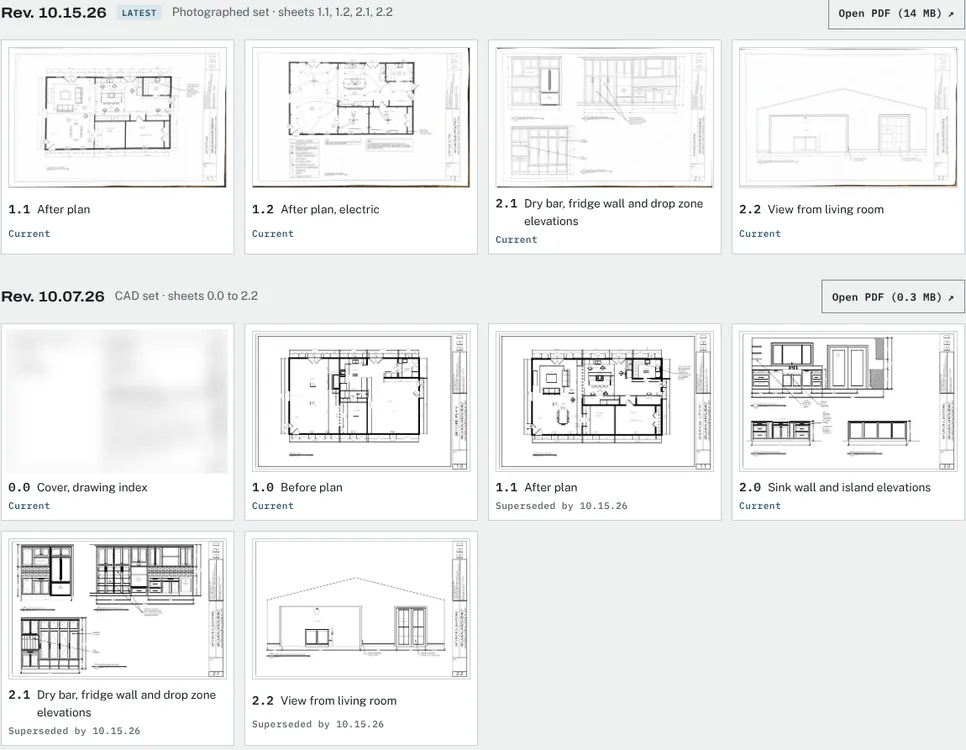
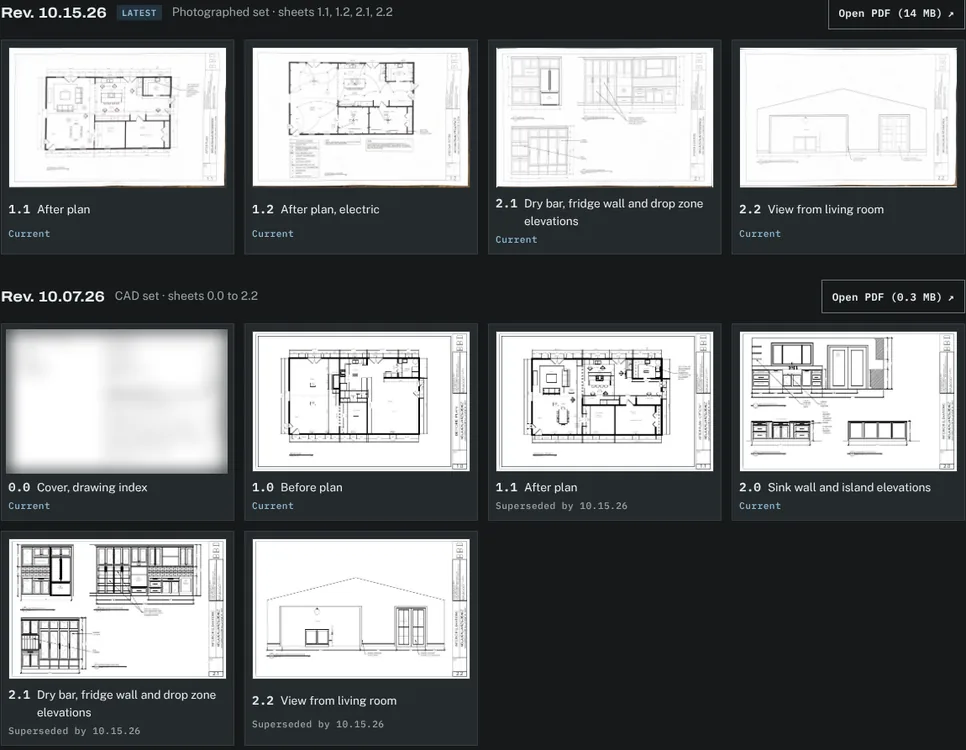
The plans tab holds the project’s PDF plan sets, sheet by sheet. Each set carries its revision date. When a new revision replaces a sheet, the old sheet stays readable and is marked as superseded by the new one. The kitchen remodel had two revisions a week apart: a CAD set and a later set of revised sheets.
The problem it solves
Plan PDFs travel by email, and the client ends up reading whichever one they opened last. Keeping every set in the design center, dated and in order, means everyone looks at the same current sheet and can still see what changed.
How it works
Upload a set
Upload the PDF, give it a revision date and list its sheets by number and title.
Mark what changed
Sheets that replace earlier ones are marked current; the earlier ones show which revision superseded them.
Publish
Clients see only published sets, so a work-in-progress revision never reaches them by accident.
Discuss
Your client can comment on a sheet, and the thread stays with that sheet.
What your client sees
- The current sheets first, each with its number, title and revision date.
- Earlier revisions below, still readable, marked with the revision that replaced them.
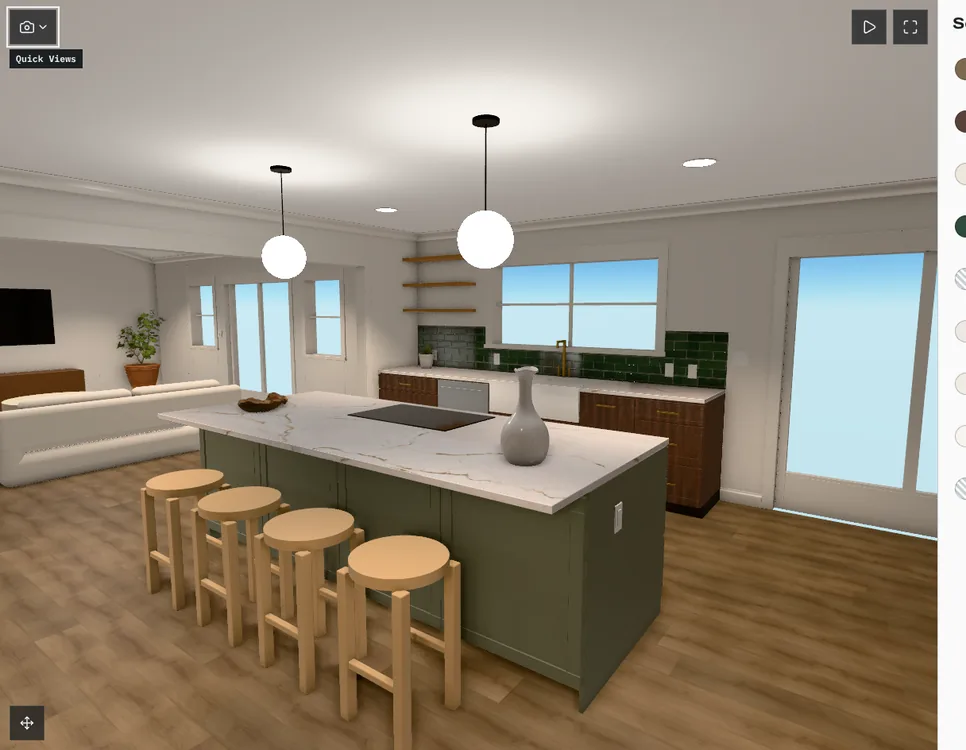
- The selections and the 3D room one tab away.