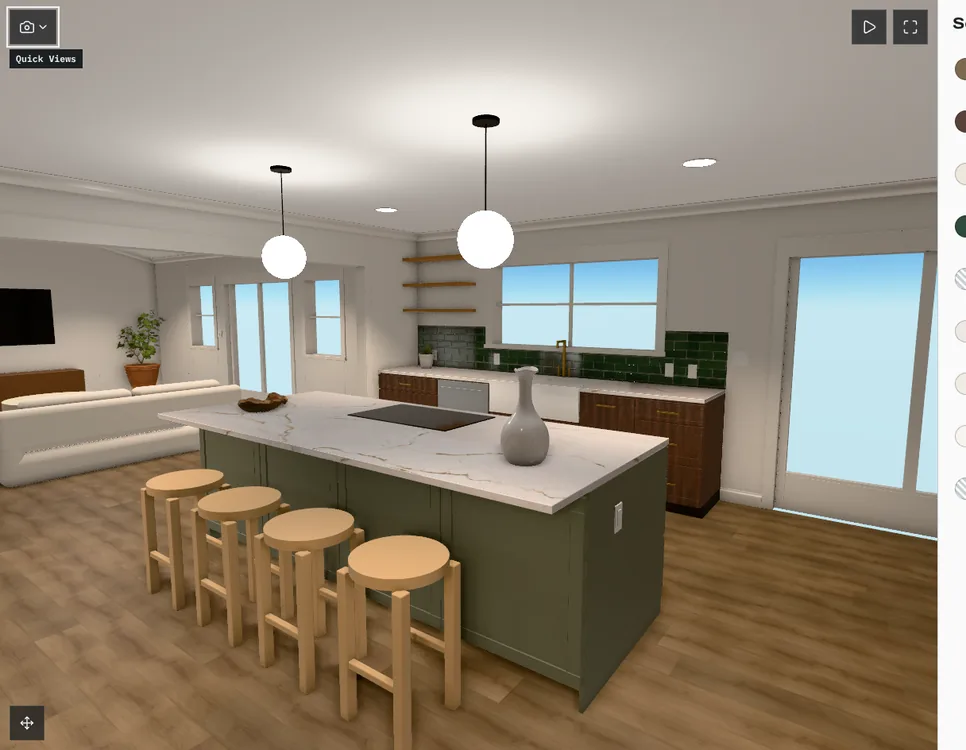
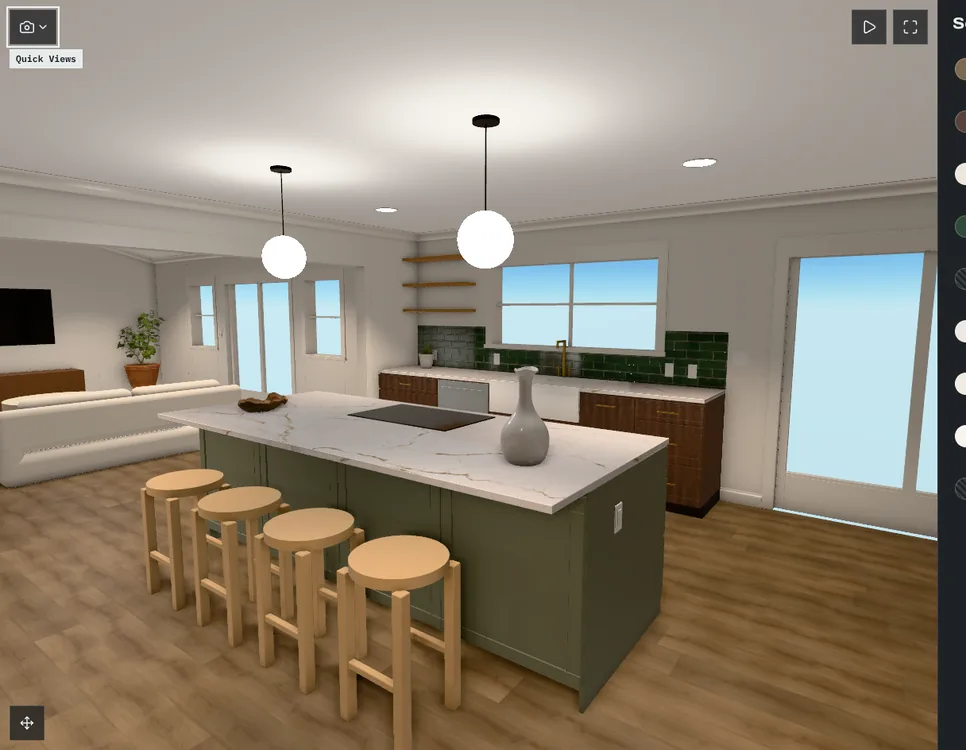
What it is
An approval in Coffered is a record of a decision: the option, the category, the client who approved it and the published version of the design center they were looking at. It is not a checkbox on a list that can quietly change underneath it.
The problem it solves
“The client approved it” is only useful if everyone agrees on what “it” was. When the option, the price and the plan can all change after the fact, an approval has to point at the exact version that was shown.
How it works
Publish a version
Publishing freezes the options, prices and plan sets your client will see.
Client approves
Your client approves their selection in a category. The approval stores the option and the version id.
Changes stay visible
A later version does not rewrite an earlier approval. A change after approval needs its own record and price, then a new approval.
Everyone is notified
You get a notice when your client approves, by email if you want one.
What your client sees
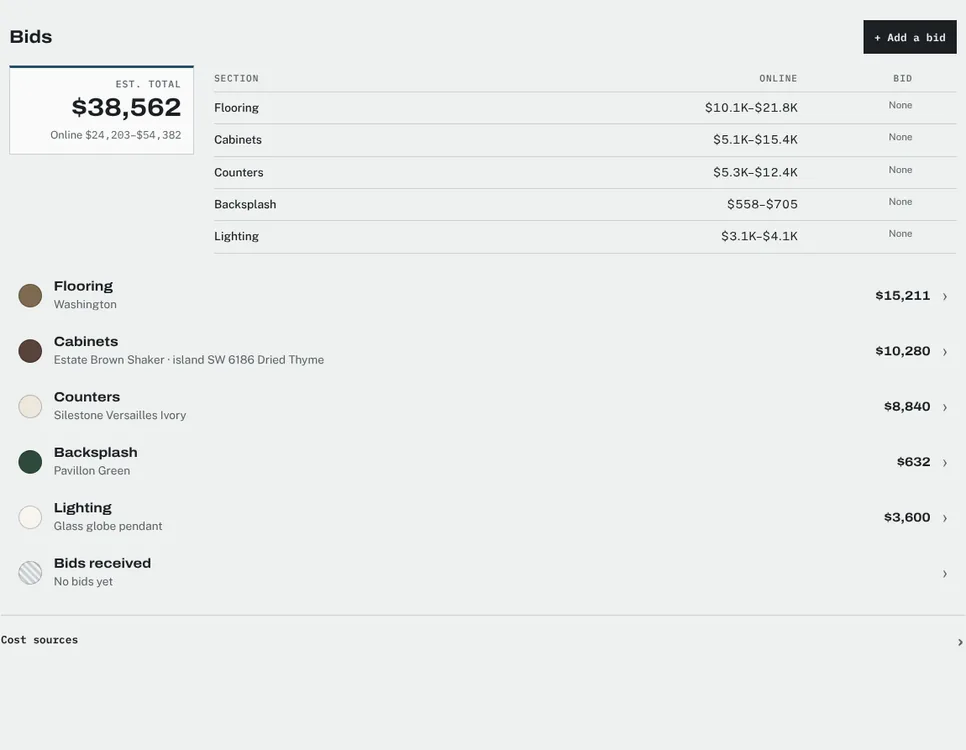
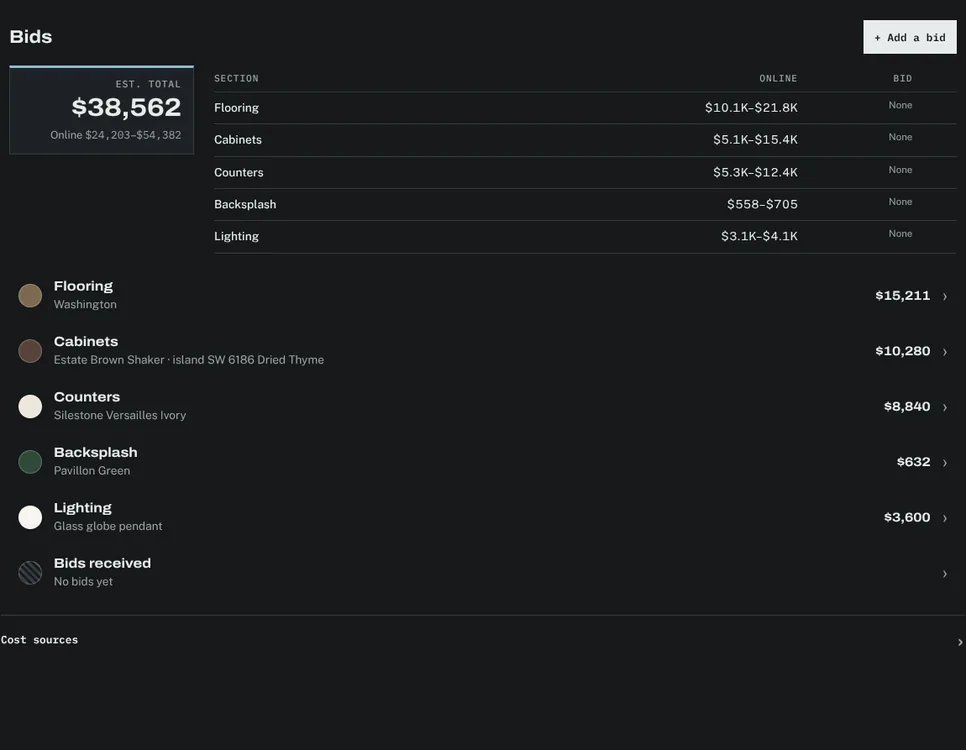
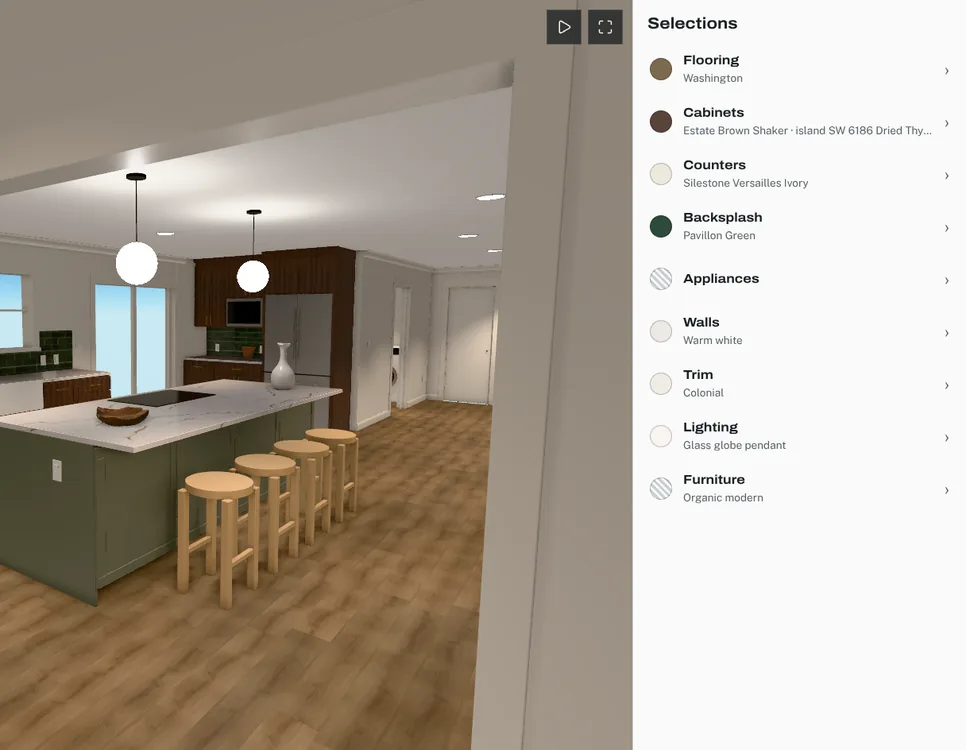
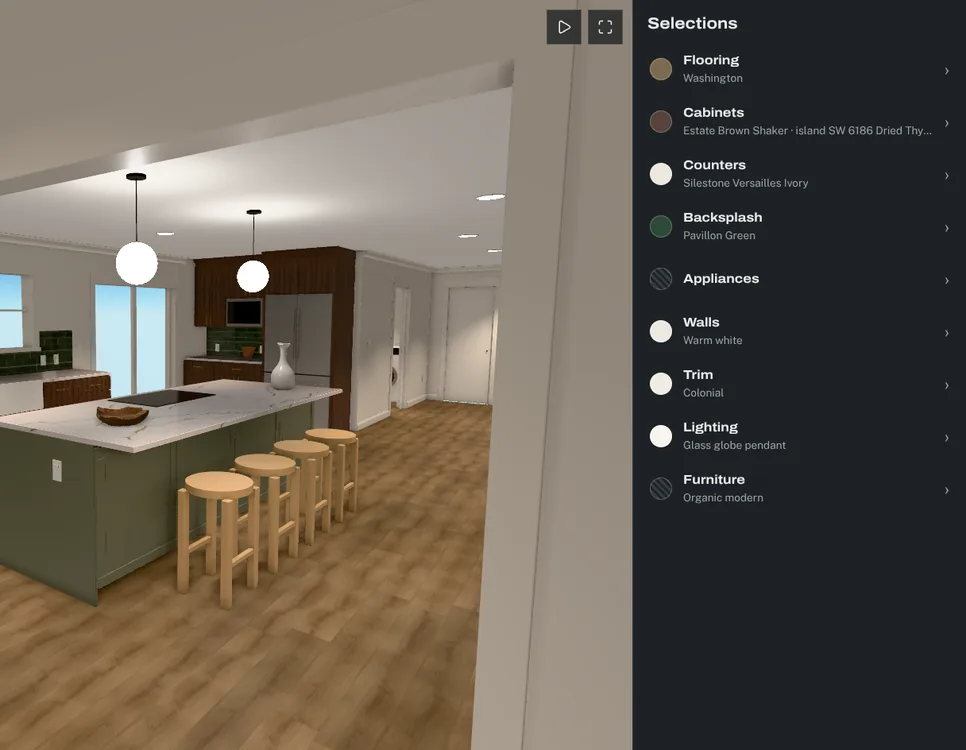
- Which categories are approved and which are still open.
- The option and price they approved in each.
- The same project, and the same version, that you see when you look at the approval.
Access
Approvals belong to one project. A request for another project’s approval returns not found, and client accounts only ever see their own projects.