What it is
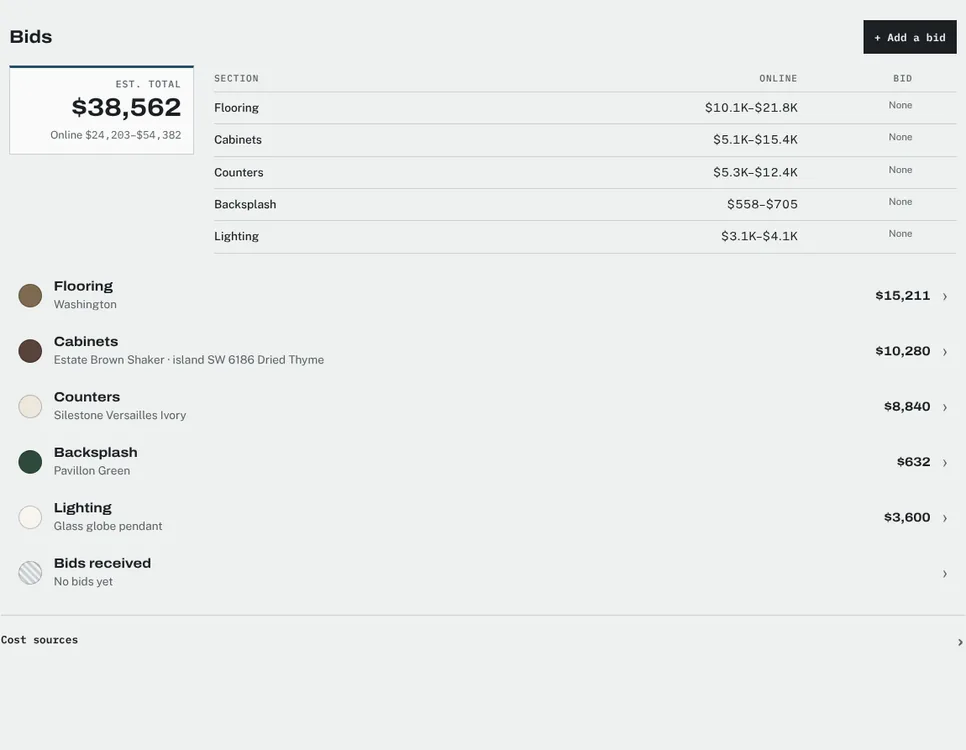
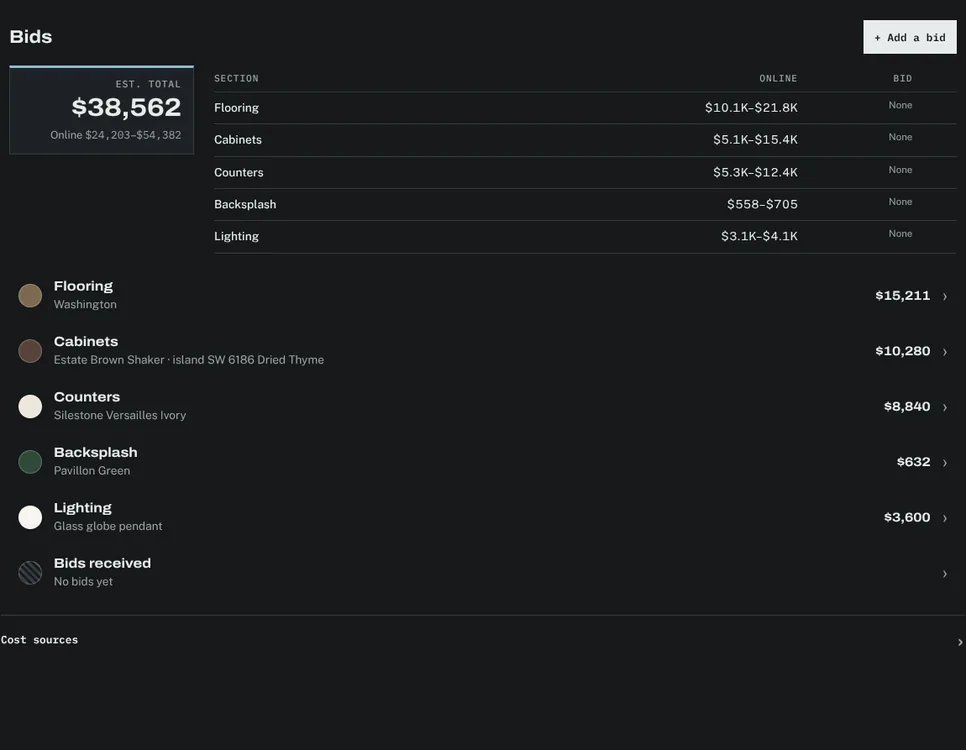
The bids module keeps the cost side of a project next to its selections. Each category shows its estimate and the bids received for it, and the project shows an estimated total. In the kitchen remodel, the bids tab listed flooring, cabinets, counters, backsplash and lighting, each with an estimated range and a column for the bid once it arrived.
The problem it solves
Selections change the price of the work, and bids arrive in emails and PDFs that never meet the selections they price. Putting them side by side shows what a choice costs in materials and what it costs to install.
How it works
Estimate
Each category starts with the client prices of the current selections, which add up to the estimated total.
Record bids
Record each bid you receive against the category it prices.
Compare
The category table shows the estimate and the bids in one row, so gaps stand out.
Decide
Approve a selection knowing both its price and the bids for the work it needs.
Availability
The bids module is part of the Studio and Firm plans.