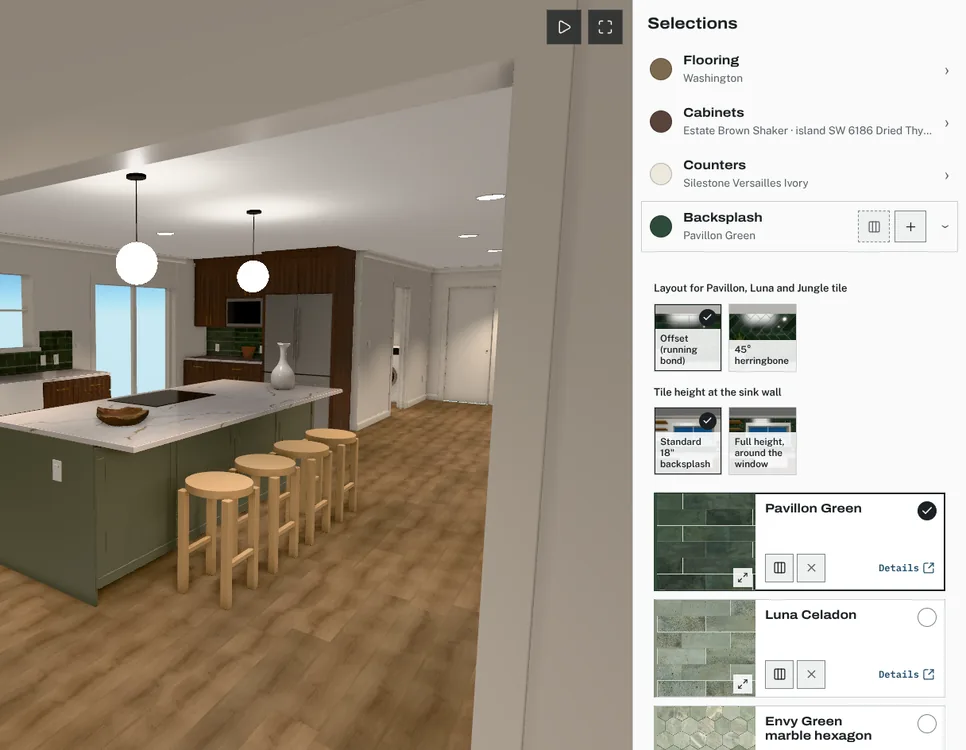
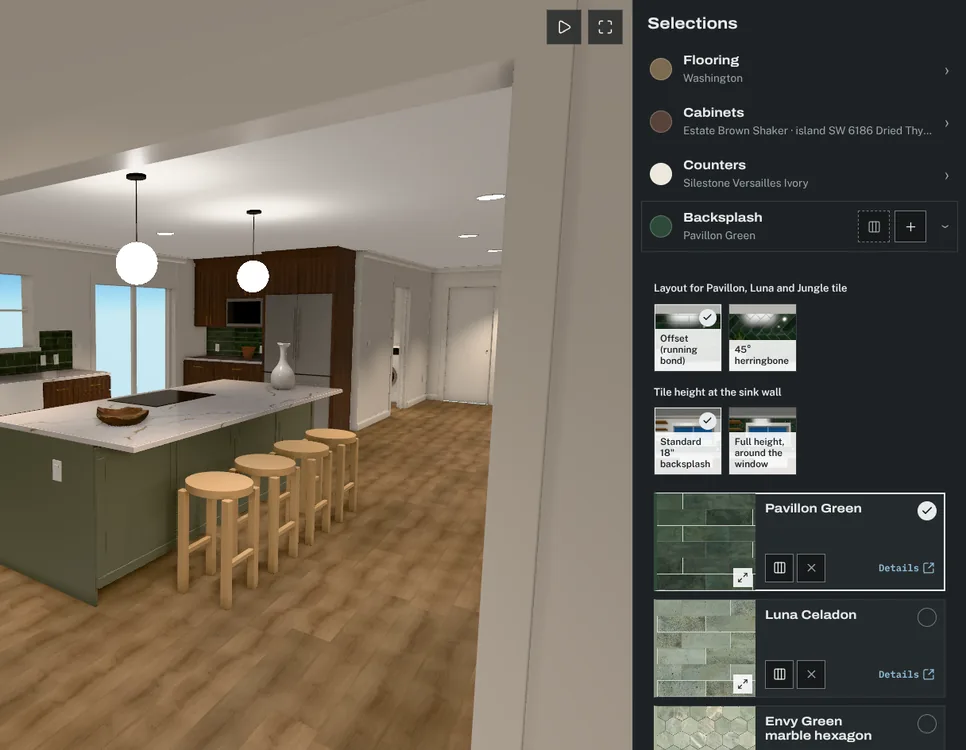
What it is
The option library is your studio’s list of finishes: each with its photos, the specs that matter for its category, a client price and a trade price. You add options from the library to a project’s categories instead of rebuilding them every time. Studio and Firm plans share one library across the whole team.
The problem it solves
The same tile, cabinet line or pendant shows up project after project, and its photos, specs and prices get re-entered each time. Keeping one record per finish means one place to update it.
How it works
Add a finish
Set two prices
Use it on a project
Update once
What stays private
Trade price, markup and supplier live in a studio-only table. No client page and no client live update reads that table, so no client response can contain them. Before release, a test reads every client view as a client and must find none of those fields.